Modifiers without the mess
Use flexible modifier functions for café examples such as milk types, sizes, extras and notes.
Handle milk, size and extra modifiers, make menu and availability changes from the POS, use integrated EFTPOS, and check live sales from your phone.
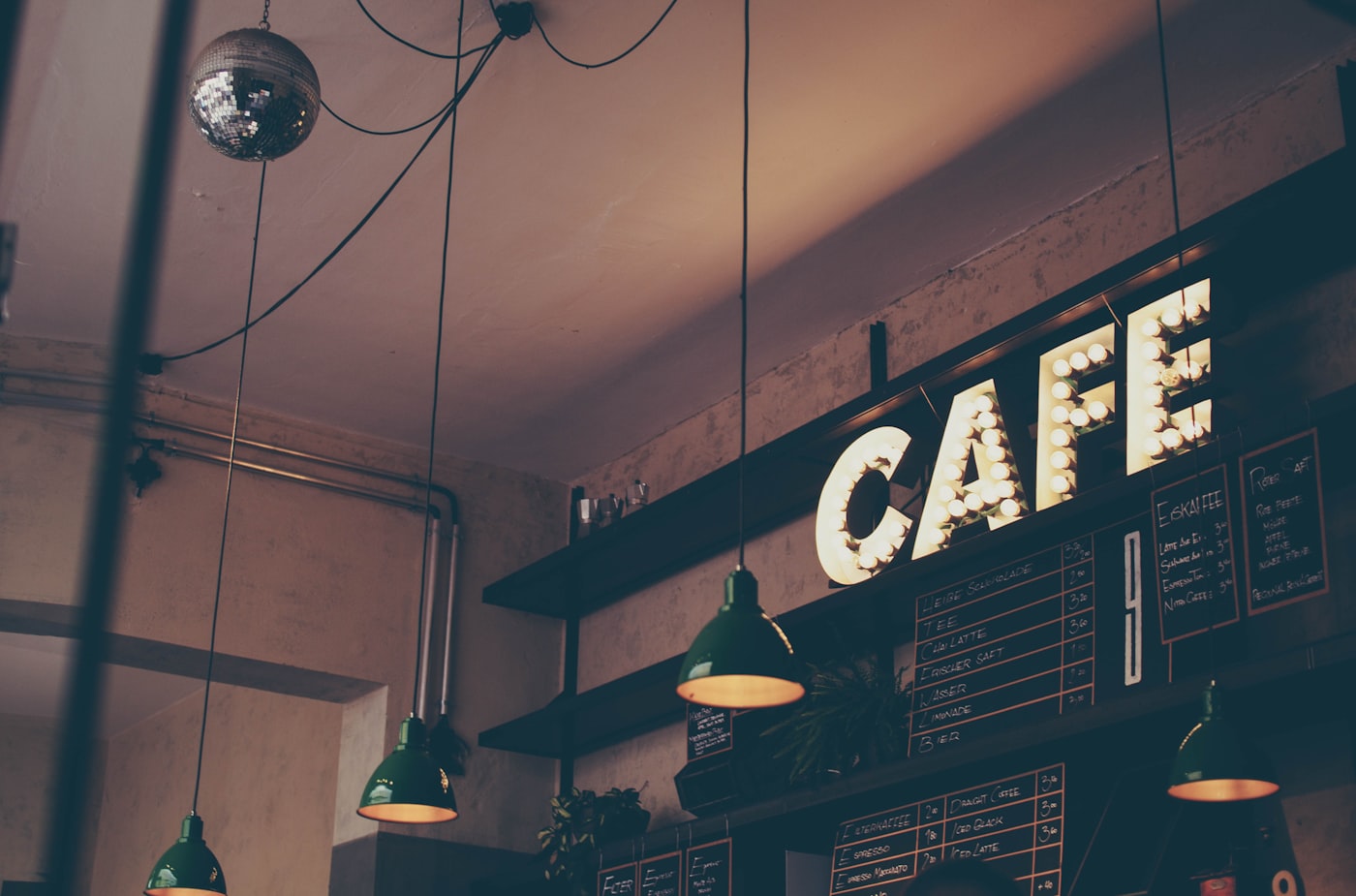
Café service setting
See how flexible modifiers, availability controls, payment workflow and live sales visibility can support the specific pace of a café day.
A practical walkthrough of the specific POS functions that matter at service.
Use flexible modifier functions for café examples such as milk types, sizes, extras and notes.
Use menu availability and product-countdown functions when an item is no longer available.
Authorised users can change item names, prices and availability through menu management.
Use an integrated EFTPOS workflow to reduce the need to manually re-key the POS sale amount.
Use Insights day, week and month views for Total Sales, Patron Count, Average Spend and Total Takings.
Configure menus, categories, modifiers and practical café service workflows around the way your team works.
“POSbiz helps us in many ways to grow our business. The Insights app is particularly helpful as it is simple to visually see how the day's and week's sales are tracking. This is great for assisting with future staff rosters.”
The right POS decision starts with a demonstration of your own team’s real workflow—rather than a generic feature list.
Talk through your existing setup, menu and service flow with a team that works with hospitality venues every day.
These are optional, separate POSbiz services. Their individual product pages explain their own workflows and commercial model.
Add a direct pickup and delivery channel for customers who already know your café.
Explore Online OrderingRequest a free rate comparison and discuss an integrated payment workflow.
Explore EFTPOSUnlock current POSbiz pricing for the products that fit your café setup.
Explore PricingPOSbiz supports modifiers including practical options, sides, notes, quantities and price changes. Milk types, sizes and extras are examples of how those functions may be used.
Request a free 30-minute personalised walkthrough tailored to the way your venue works.