Open and manage tabs
Use tabs, credits and credit limits, and view information about items saved to a tab.
Open and manage tabs, set credit limits, move items between tabs and tables, control staff permissions, change prices in the POS and close the day with detailed reports.
Bar service setting
For a bar or pub, the useful point-of-sale detail is often the detail that keeps tabs, prices and staff functions manageable through a busy service.
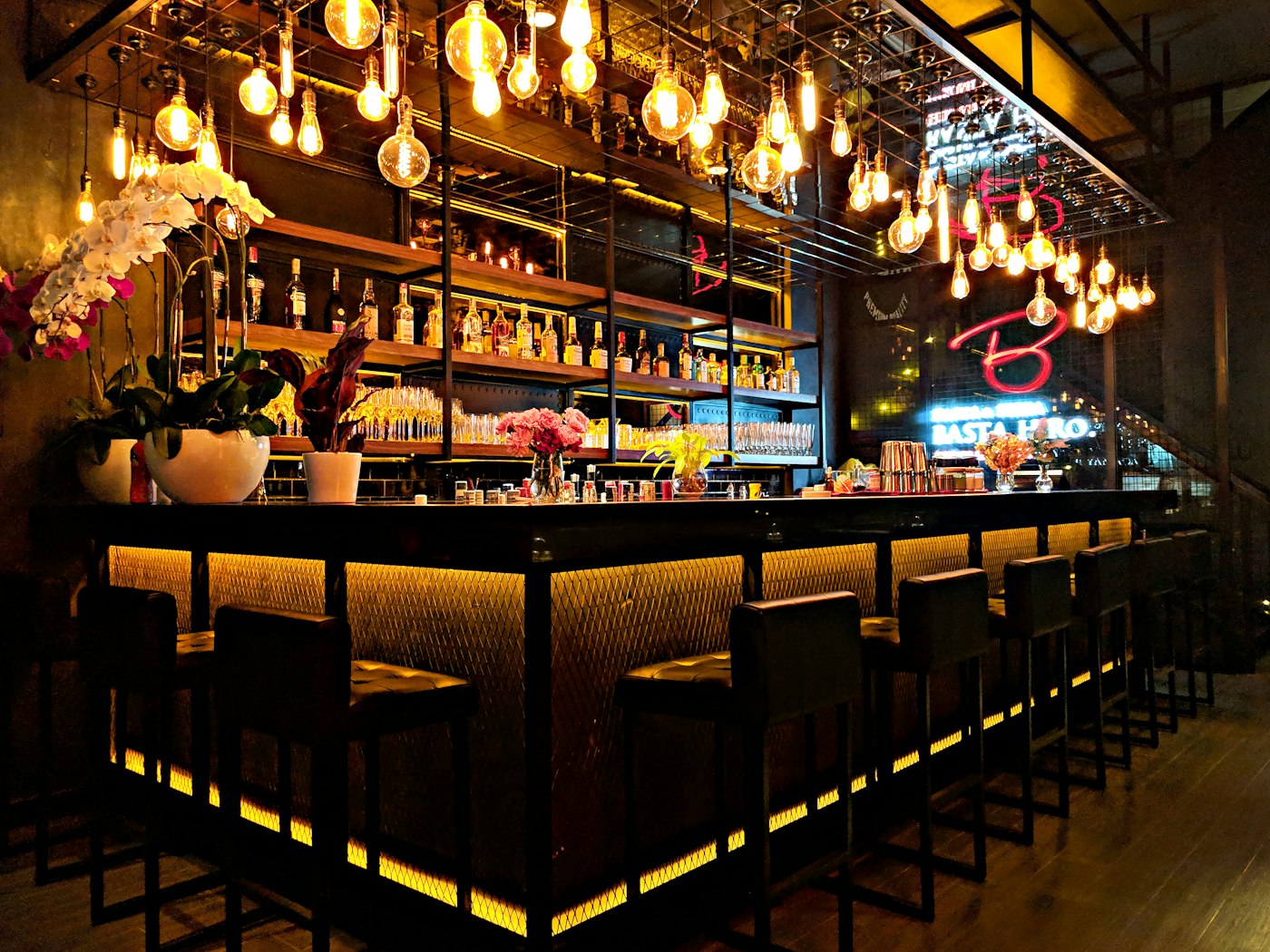
A practical walkthrough of the specific POS functions that matter at service.
Use tabs, credits and credit limits, and view information about items saved to a tab.
Move whole tables and transfer guests or individual items between tabs and tables.
Use staff PINs and permissions for functions including discounts, refunds, voids and drawer access.
Use cash-drawer functionality and detailed end-of-day Z reports as part of close-down.
Update item names and prices, and use Happy Hour or alternative price-level functionality where appropriate.
Use Insights to check sales, patron count and average spend while service is underway.
“Insights is my favourite POSbiz feature. When I check the app and can see that sales are unusually high, I know to check in with my team on how they are coping and give them in the moment kudos for having a great shift!”
The right POS decision starts with a demonstration of your own team’s real workflow—rather than a generic feature list.
Talk through your existing setup, menu and service flow with a team that works with hospitality venues every day.
These are optional, separate POSbiz services. Their individual product pages explain their own workflows and commercial model.
Discuss an integrated EFTPOS workflow and request a free rate comparison for your bar or pub.
Explore EFTPOSExplore POS menus, tabs, printer routing and reporting in more detail.
Explore Point of SaleUnlock current POSbiz pricing and discuss an appropriate setup.
Explore PricingPOSbiz supports tabs, credits and credit limits, including information about items saved to tabs.
Request a free 30-minute personalised walkthrough tailored to the way your venue works.